Repose press kit
Repose is an AI interior design app for iPhone, iPad and iPhone Duo. It redesigns a photo of the user’s own room and lets them compare the result with the original.
Facts
| Made by | Nicholas Rempel, Lucent Enterprises Ltd., Victoria, British Columbia, Canada |
|---|---|
| Requires | iOS 26 or later |
| Platforms | iPhone, iPad and iPhone Duo |
| Availability | On the App Store for iPhone and iPad |
| Price | Three designs free. Then US$14.99 a week for 50 designs, with a three-day free trial. During a trial or plan, packs of 10, 100 or 1,000 designs cost US$3.99, $24.99 and $199.99. Prices vary by country. |
| Tools | Eleven |
| Languages | English, Canadian French, Latin American Spanish, Brazilian Portuguese, Japanese, Korean, Simplified Chinese and Traditional Chinese |
| Website | reposedesign.com |
| Contact | contact@lucententerprises.com |
What Repose does
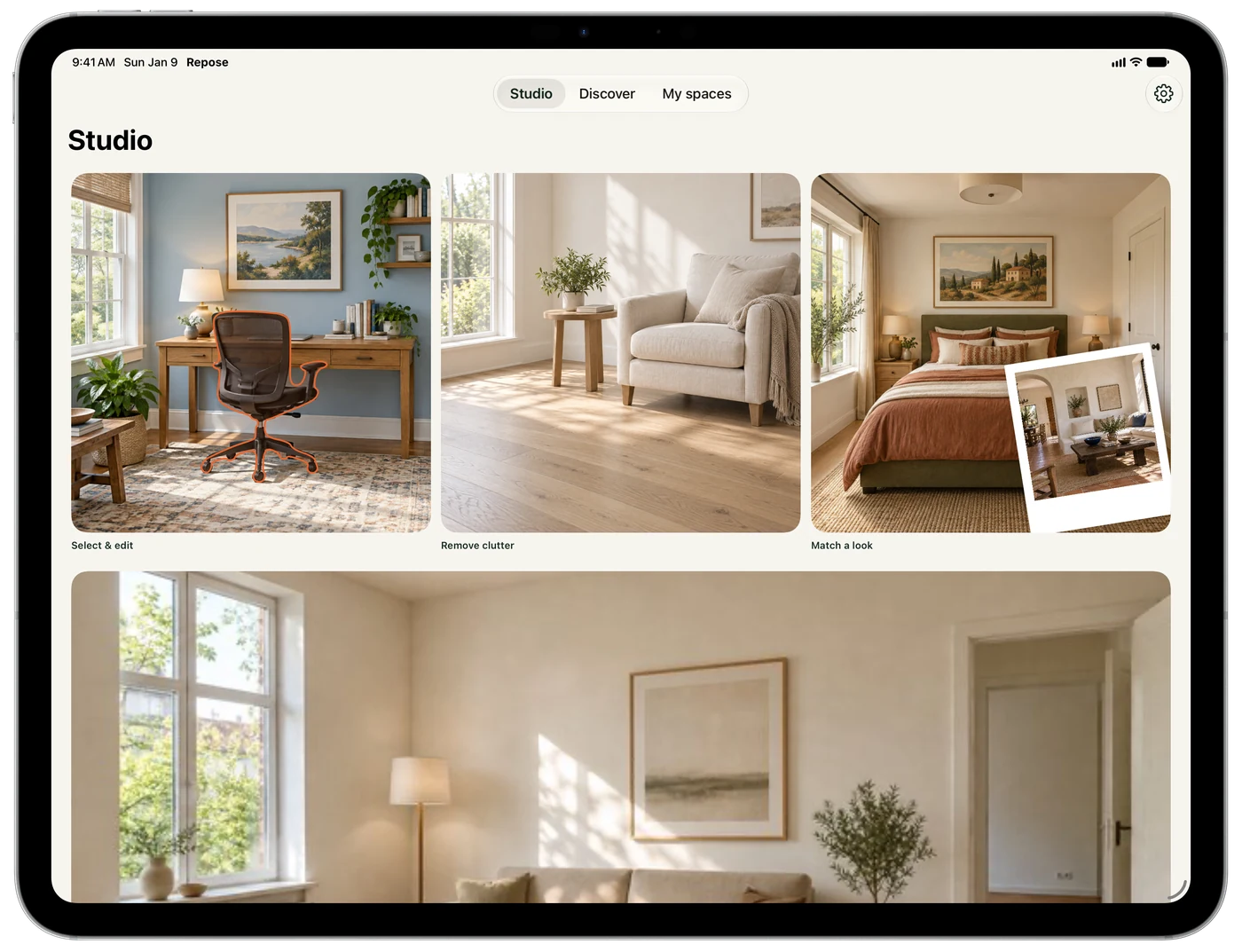
Four of the eleven tools ask for an area first: Custom edit, Replace an object, Try a paint color and Change the flooring. The phone proposes an area, and the user refines it with a brush, a rectangle or a scribble; on iOS 27 they can tap any object or surface the phone finds.
For paint and flooring, every pixel outside the chosen area is restored from the original photo on the device. Replace and Custom edit start with that off, because a new object usually needs to cast a shadow. The other seven tools work on the whole photo.
The eleven tools are Redesign my room, Refresh an exterior, Imagine a garden, Rearrange furniture, Remove clutter, Match a look, Replace an object, Try a paint color, Change the flooring, Clean slate and Custom edit.
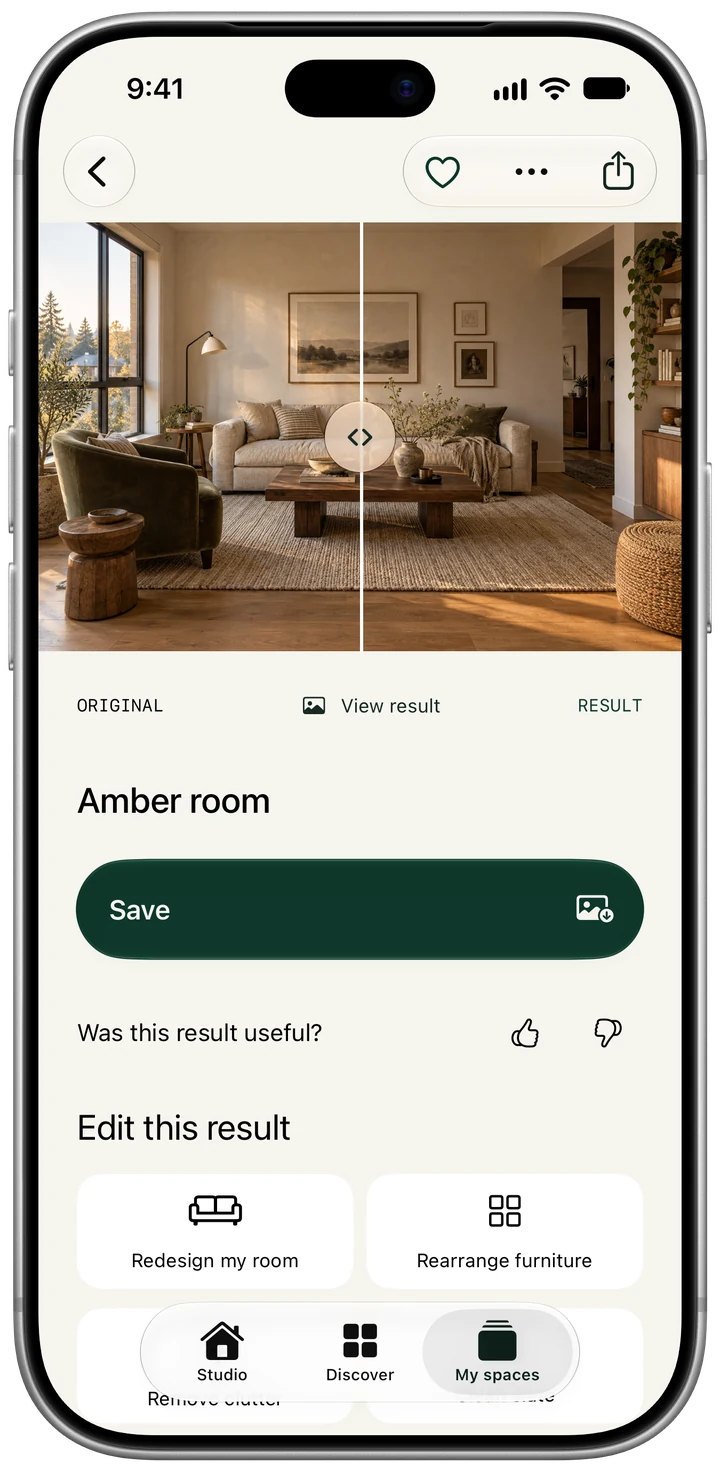
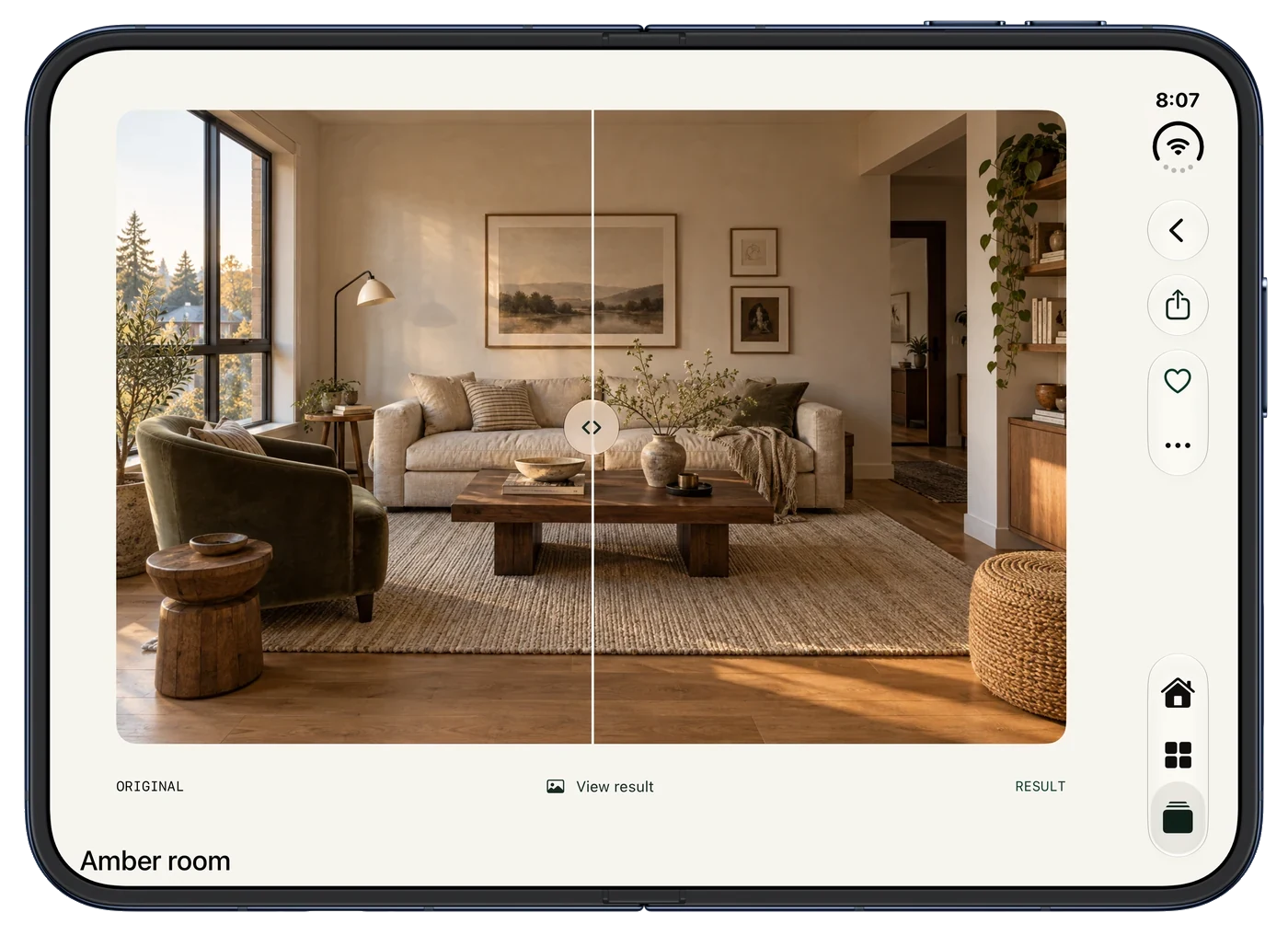
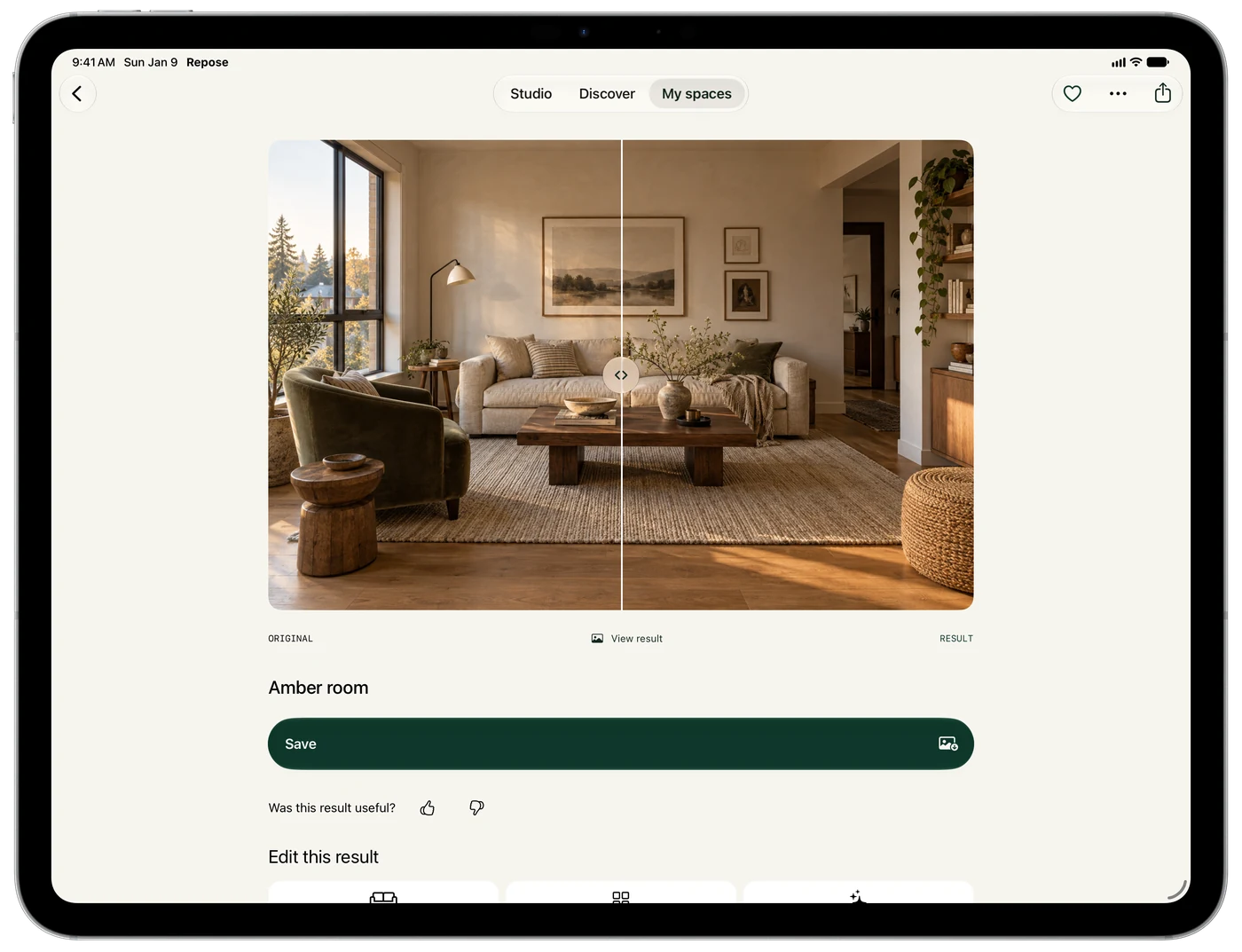
A slider compares every result against the original.
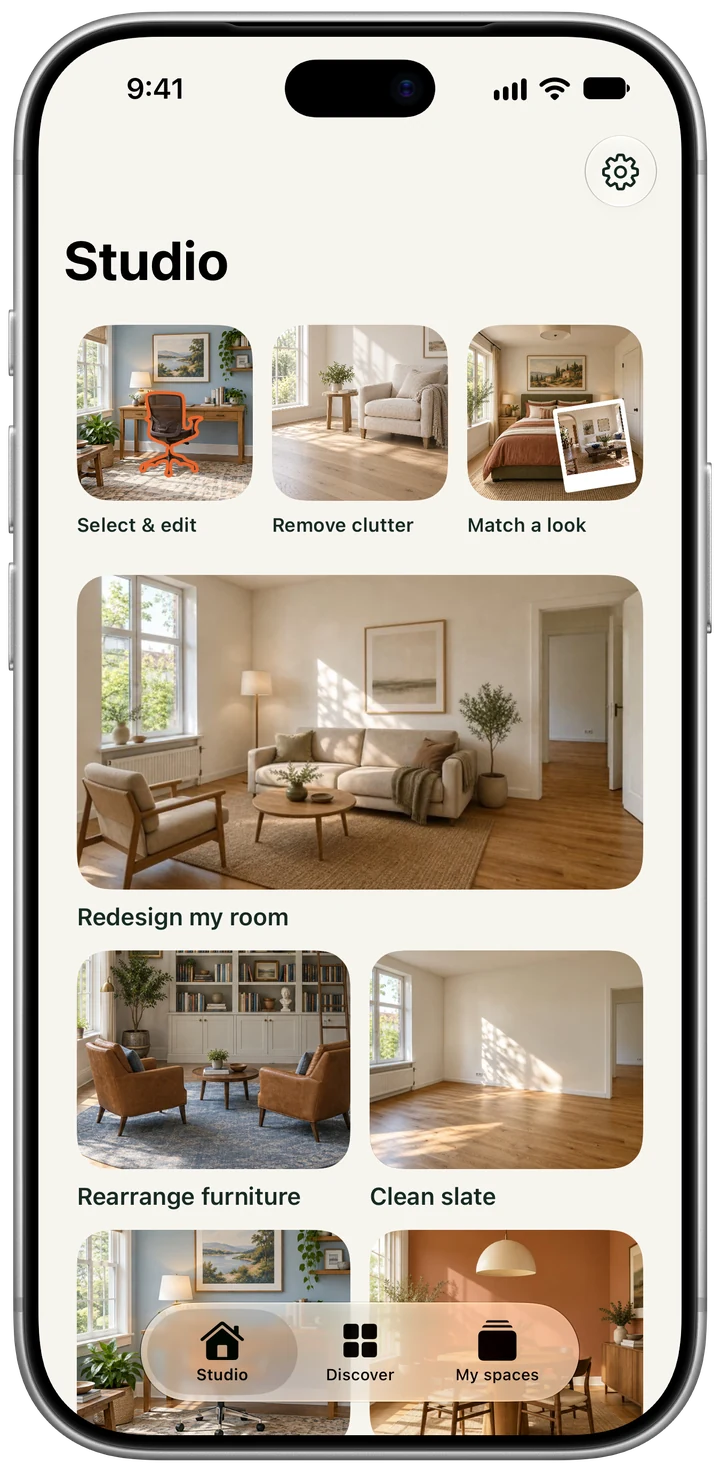
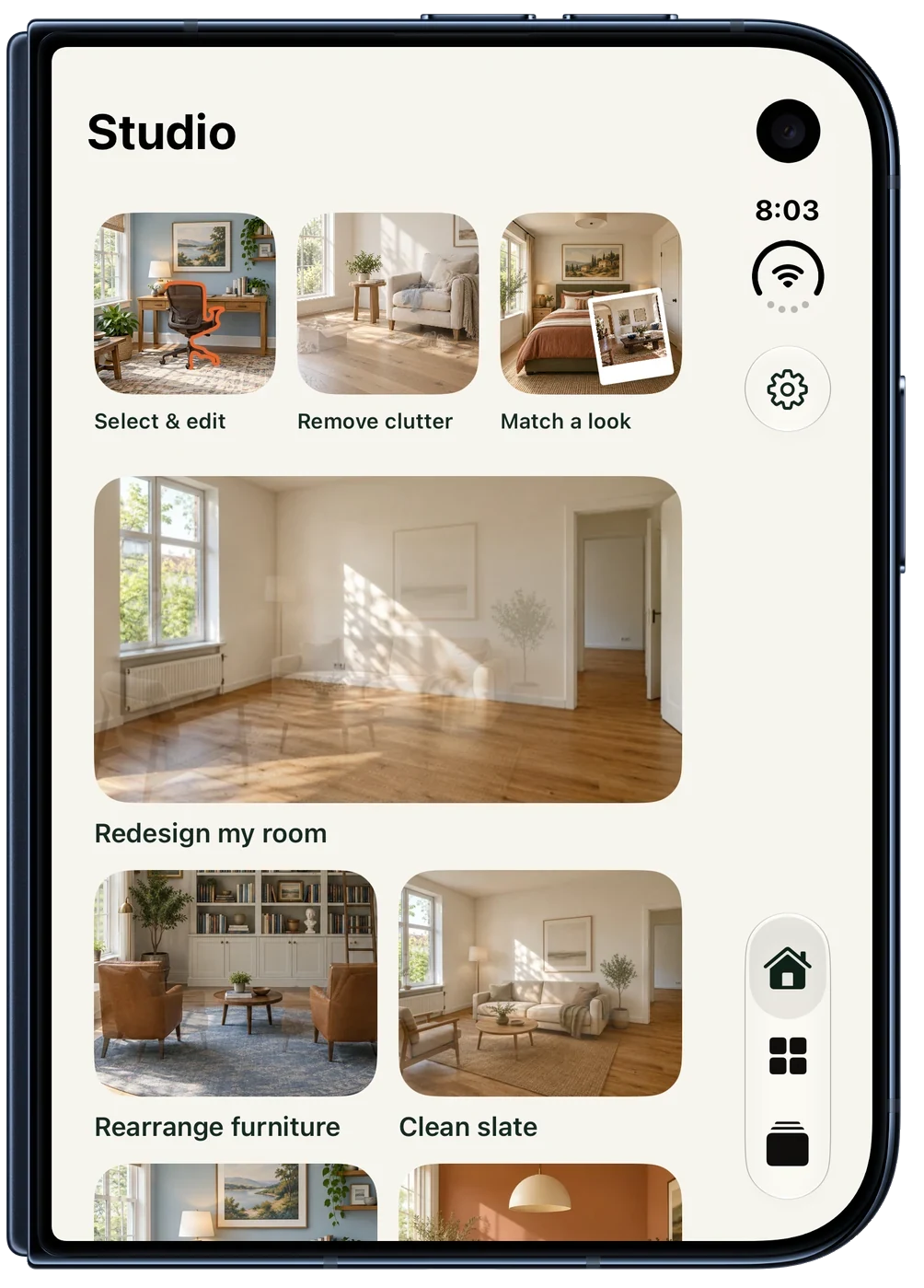
iPhone, iPad and iPhone Duo
The same editor runs on all three, with the Duo closed and open. Every screen is a real capture from the app, shown in Apple's product frame for its device.
Assets
Please use the app icon and wordmark as supplied, without recolouring or adding effects.
-
 App icon
PNG, 1024 px
App icon
PNG, 1024 px
-
 Symbol
SVG
Symbol
SVG
-
 Wordmark, forest
SVG, for light backgrounds
Wordmark, forest
SVG, for light backgrounds
-
 Wordmark, cream
SVG, for dark backgrounds
Wordmark, cream
SVG, for dark backgrounds

Download all brand assets (1.7 MB): the app icon, both wordmarks, both horizontal lockups and the symbol in colour and forest.
Download all 105 screens (19 MB): 21 screens each from iPhone, iPad portrait, iPad landscape, iPhone Duo closed and iPhone Duo open. Email for full-resolution files or a device that is not here.
Accessibility
Repose works with VoiceOver, Dynamic Type up to the accessibility sizes, and Reduce Motion. Paint colours are named as well as shown, so the choice does not depend on seeing the swatch.
Privacy
A photo stays on the device until the user taps Create. The privacy policy says what happens after.
Where it came from
Nicholas Rempel bought his first house three years ago and has been improving it since. Deciding what to change was the slow part, and the tools he tried handed back a different house. Repose is built to change what the user asked for and leave the rest of their photo alone.